IFC in Power BI, without leaving your tenant
Load models from SharePoint, explore in 3D, and publish decision-ready dashboards. No external servers.
Use Free on Desktop


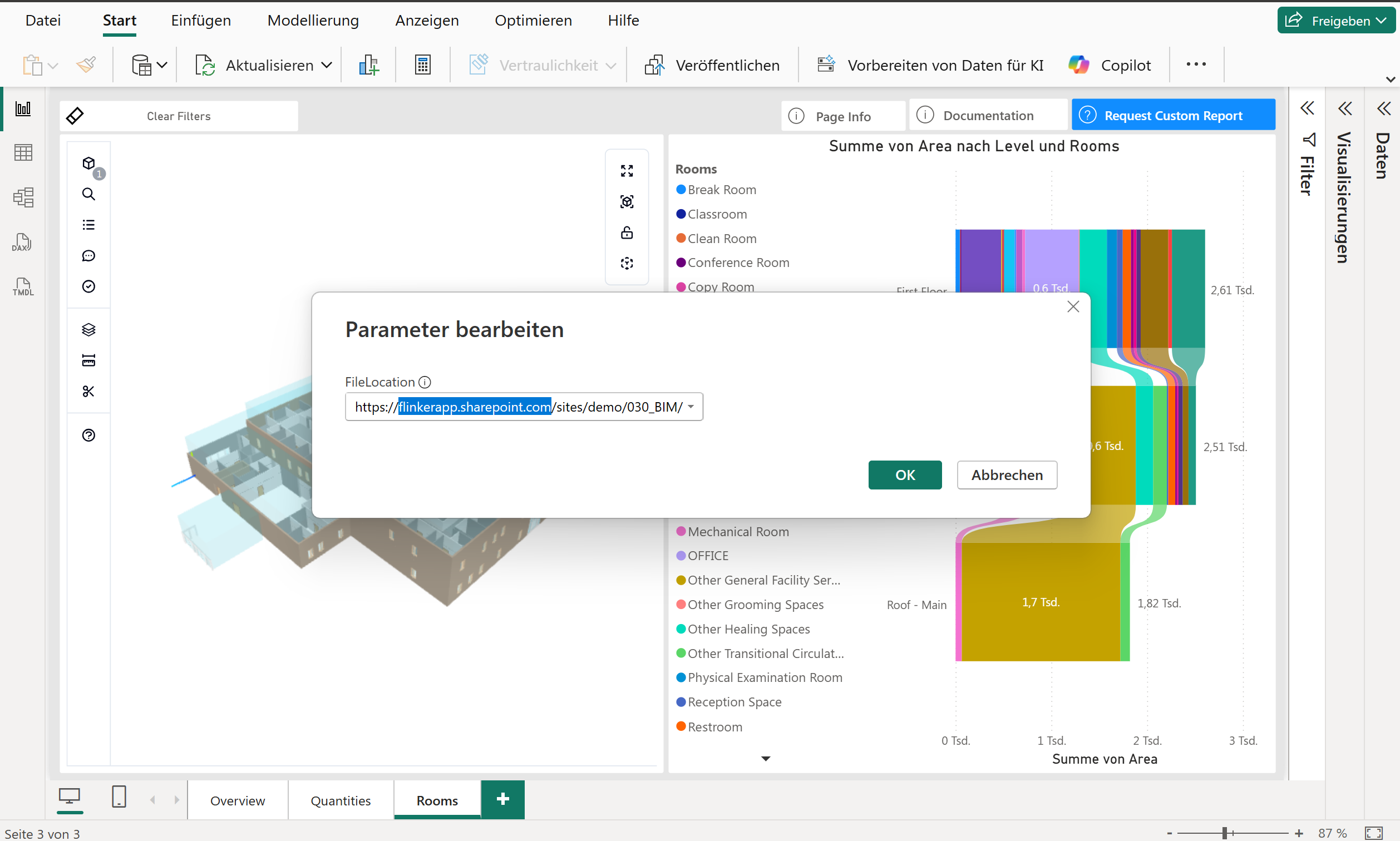
Open IFC from SharePoint & Explorer — no extra logins.
Point to a file or folder in your tenant. The Viewer reads IFC directly — no exports, no CSV staging, no mapping.
- Works with Sites, Libraries & subfolders
- No manual data prep — loads directly from IFC
- Respects your Microsoft 365 permissions
From IFC file to dashboard — instantly
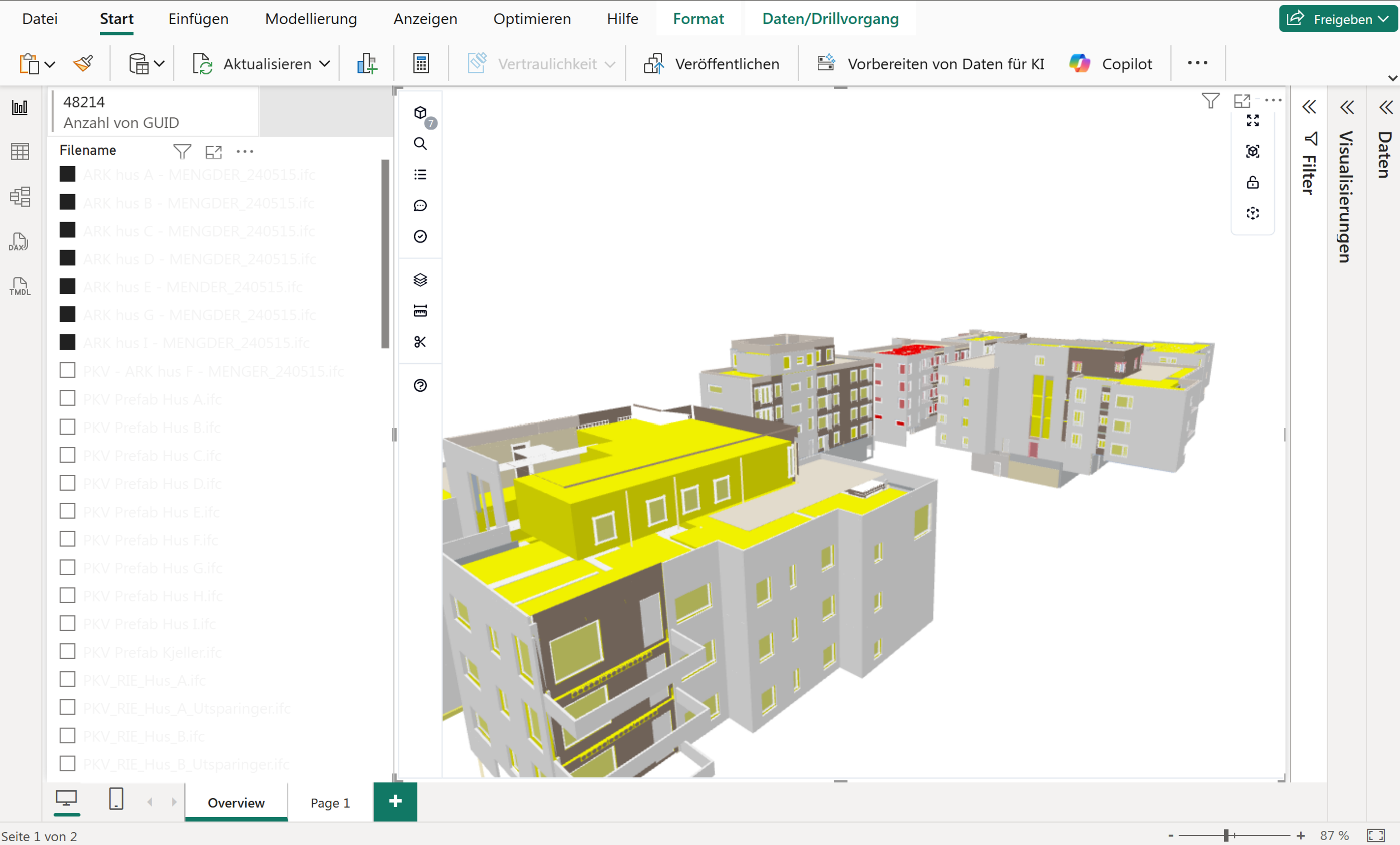
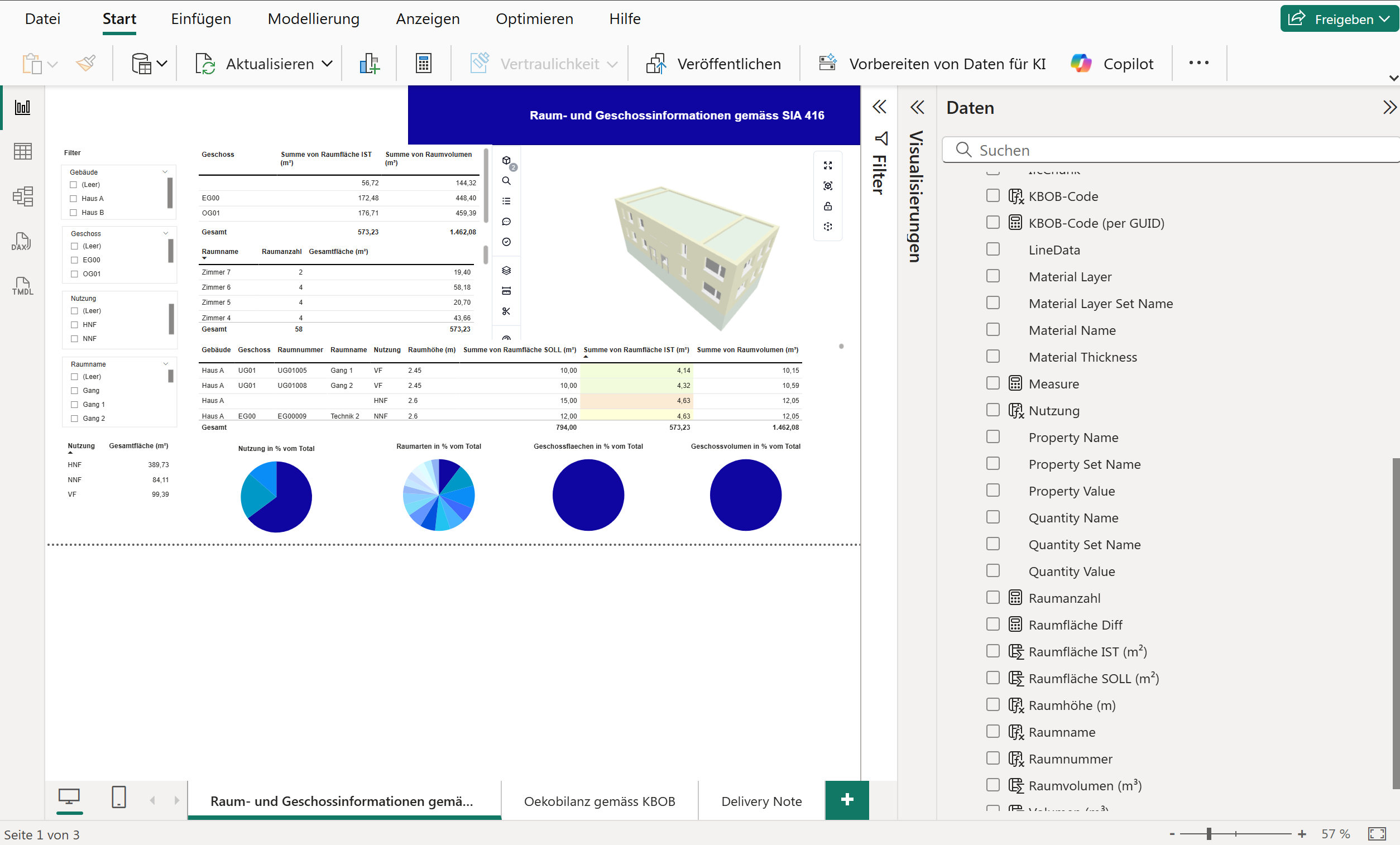
The Open IFC Viewer Visual loads your IFC model directly into Power BI. No exports, no extra files — just point to your SharePoint or local desktop folders and start analyzing.
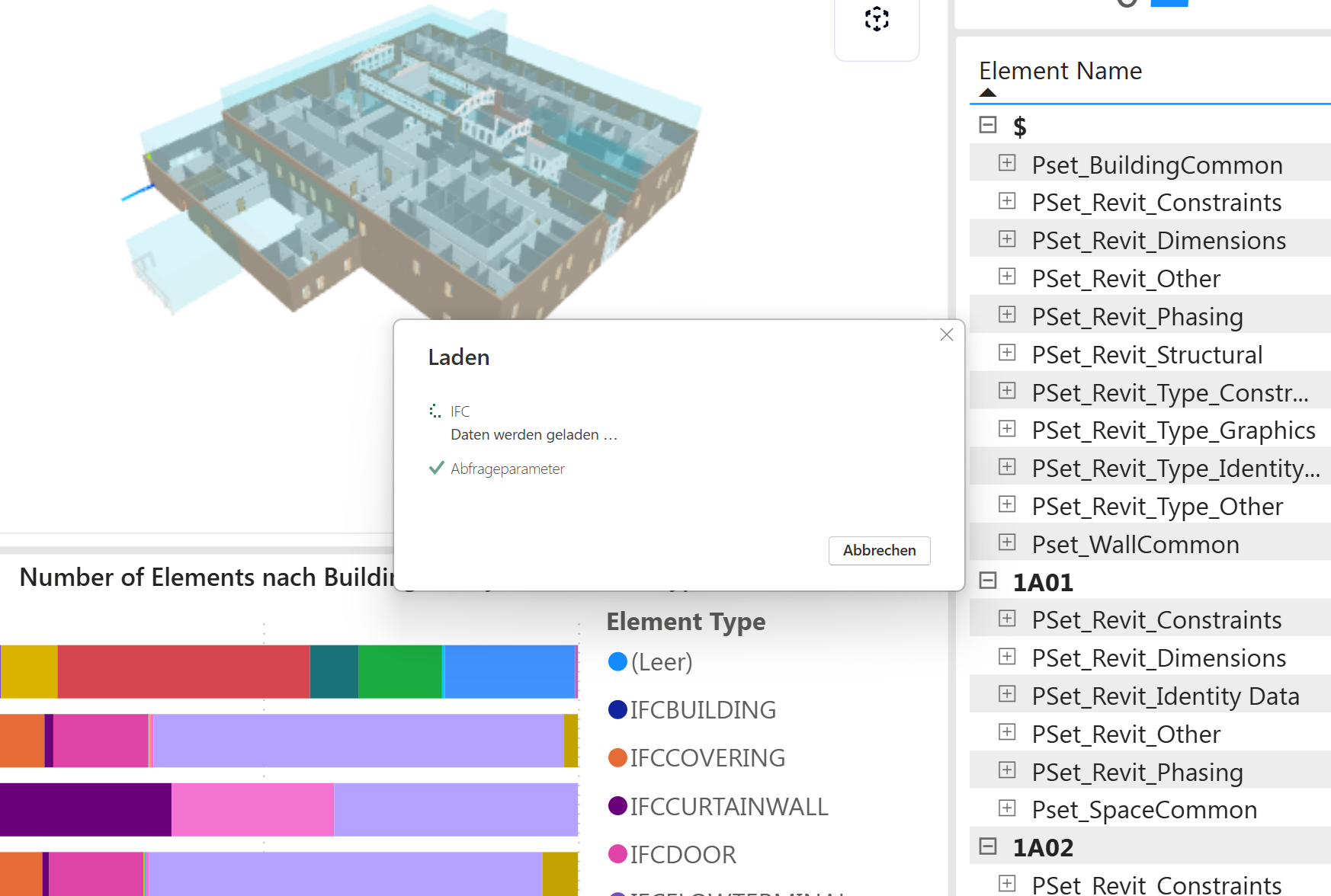
What you get with the IFC Viewer
From SharePoint-native storage to multi-model coordination and data extension, build reports faster and share them across your team.
SharePoint-first, Microsoft 365-native
Keep data in your tenant. Connect IFC files from SharePoint/Teams/Windows Explorer with zero extra logins.
Multi-IFC loading
Combine multiple models or link folders to a single report for holistic coordination.
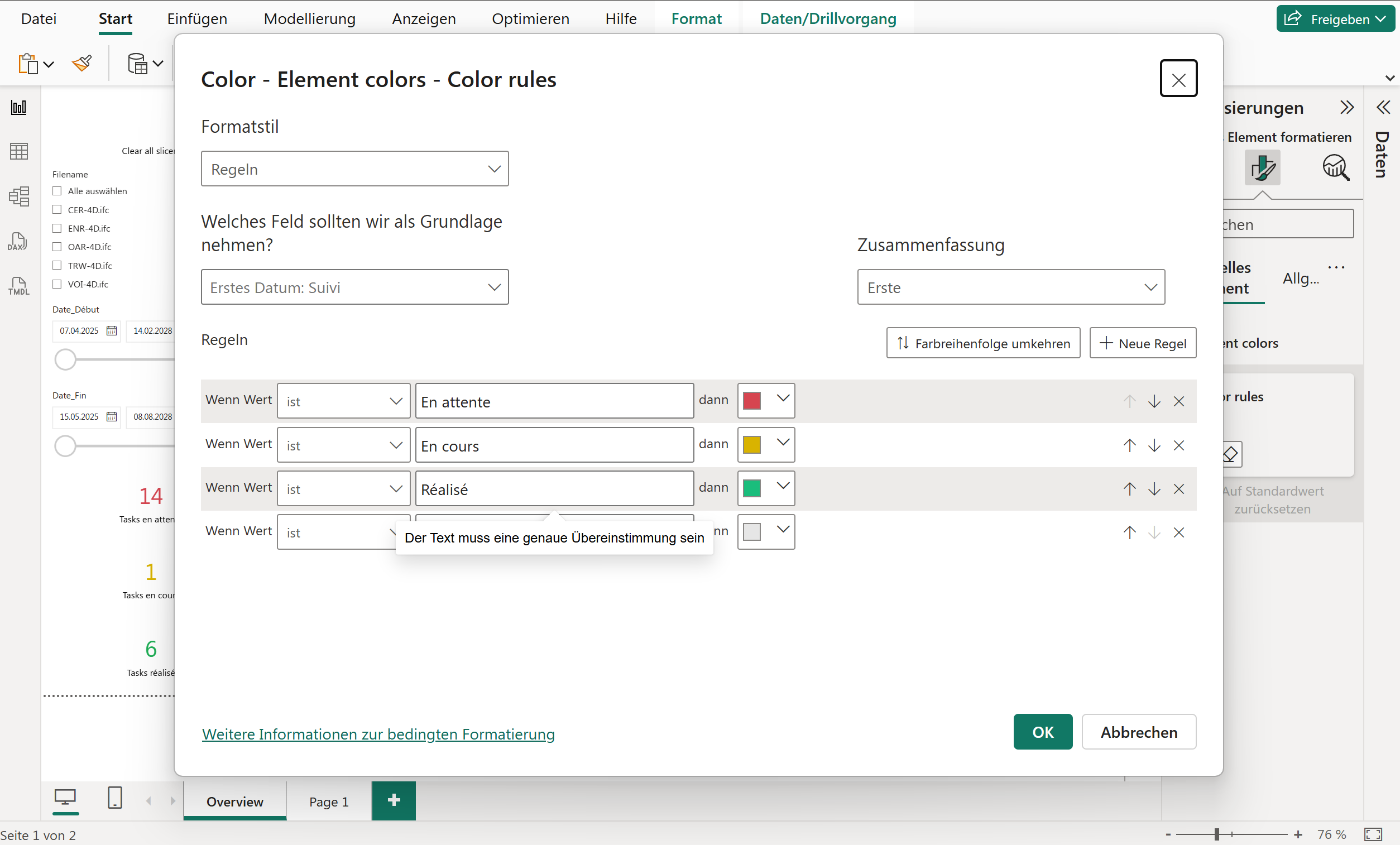
Color-by features
Visualize by status, system, level, or custom fields to surface insights at a glance.
Data extension
Enrich IFC attributes, join cost and schedule tables, and build reusable BIM data logic.












Pricing & Plans
Start free in Power BI Desktop. Business adds Power BI Service sharing with per-user licensing via Microsoft AppSource. Enterprise covers organization-wide, embedded, or commercial deployment.
Community
Build reports in Power BI Desktop
€0 free forever
- Standard PBIX template included
- Standard IFC attribute extraction
- Load multiple files
- Multi-IFC viewing & analysis
- Color-by any field (DAX)
- No Power BI Service sharing
Business
Share in Power BI Service, per user
Per user via Microsoft AppSource
- Everything in Community, plus:
- Power BI Service supported
- Scheduled cloud refresh
- One shared semantic model
- Team reports, same data
- Consistent DAX & KPIs
- Assigned per user in your admin center (admin.microsoft.com)
Higher volumes? See Enterprise.
Get it on AppSourceEnterprise
Org-wide, embedded & commercial
Per tenant talk to sales
- Everything in Business, plus:
- Unlimited M365 users in your tenant
- BCF & IDS querying
- 1 Pro PBIX template included (choose yours)
- Power BI Embedded for external viewers — 1,000 viewer sessions / licence year
- Commercial & multi-project deployment rights
- Support, rollout & SLA options
- Invoice & PO payment supported
- Security & vendor assessment
- Multi-year discount available
Add-ons, on quote
- Data Connector (.mez) — full property extraction, folder & subfolder loading, performant local parsing
- Embedded Deployment — additional viewer session volume
- API access — unlimited model size
Ideal for service firms, ISVs & client deployments
Get QuoteCompare Plans
Full feature breakdown across all tiers
| Feature | Community | Business | Enterprise |
|---|---|---|---|
| Connect & Load | |||
| Standard PBIX template | |||
| Pro PBIX template (choose yours) | — | — | |
| BCF & IDS querying | — | — | |
| Single file loading | |||
| Multiple files | |||
| Synced cloud drives | |||
| Folder loading .mez | — | — | |
| Subfolder loading .mez | — | — | |
| Query & Scale | |||
| IFC attribute extraction (standard) | |||
| Full IFC property extraction .mez | — | — | |
| Large local models | |||
| Local model conversion | — | — | |
| API on request | — | — | |
| Analyze & Visualize | |||
| Multi-IFC viewing | |||
| Color-by any field | |||
| Deployment & Sharing | |||
| Power BI Desktop | |||
| Power BI Service | — | ||
| Power BI Embedded | — | — | |
| Licensing | |||
| Licensing model | Per user | Per user | Per tenant |
| Editors | Local users | Per licensed user | Unlimited |
| MS365 viewers | — | Per licensed user | All included |
| Organization-wide tenant use | — | — | |
| Embedded & commercial rights | — | — | |
- .mez The .mez connector adds full property extraction, local parsing, and standalone semantic models. Available with Enterprise or standalone — talk to sales.
- Prices exclude VAT. Annual billing available.

Flinker IFC Visual licensing
Business is per user. Each person who opens a report in Power BI Service needs their own license, purchased via Microsoft AppSource and assigned in admin.microsoft.com.
Enterprise is per tenant. One license covers all editors and MS365 users in your organization. External viewers in embedded scenarios require no additional licensing.
One step to get started
Everything runs inside your Microsoft 365 tenant. No external setup required.
Share with Business
Upgrade to Business to publish reports in Power BI Service. Each user gets their own license via AppSource.
Scale with Enterprise
One tenant license covers all editors and MS365 viewers, embedded, and commercial deployment.
Data Services & Support
Implementation, rollout, and SLAs — delivered by Flinker. Certified partners available on request.
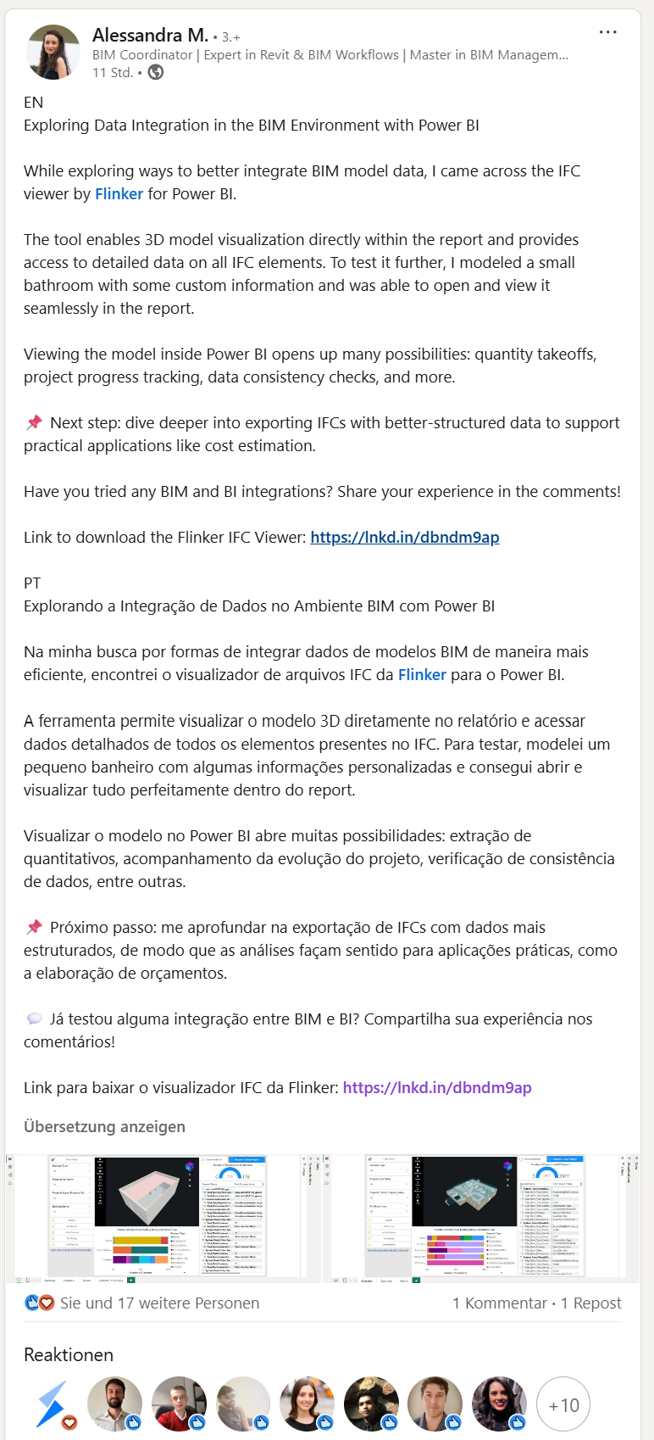
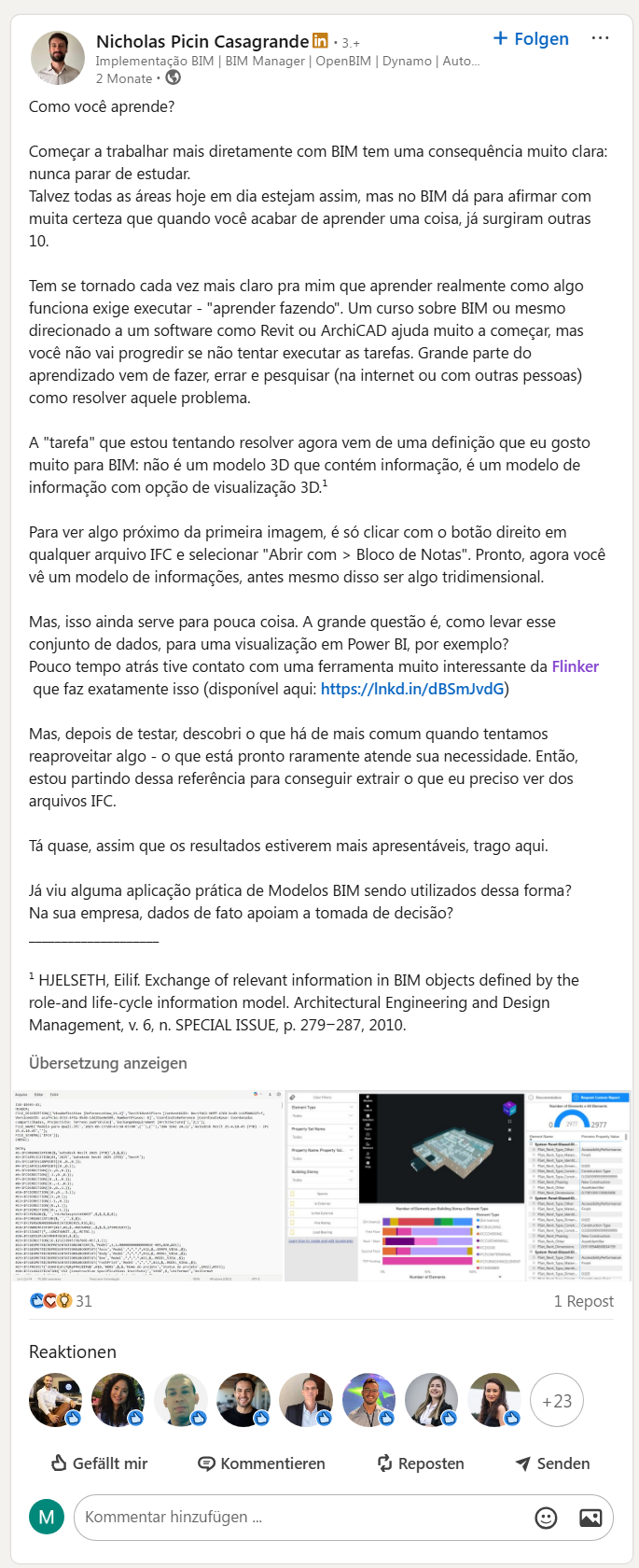
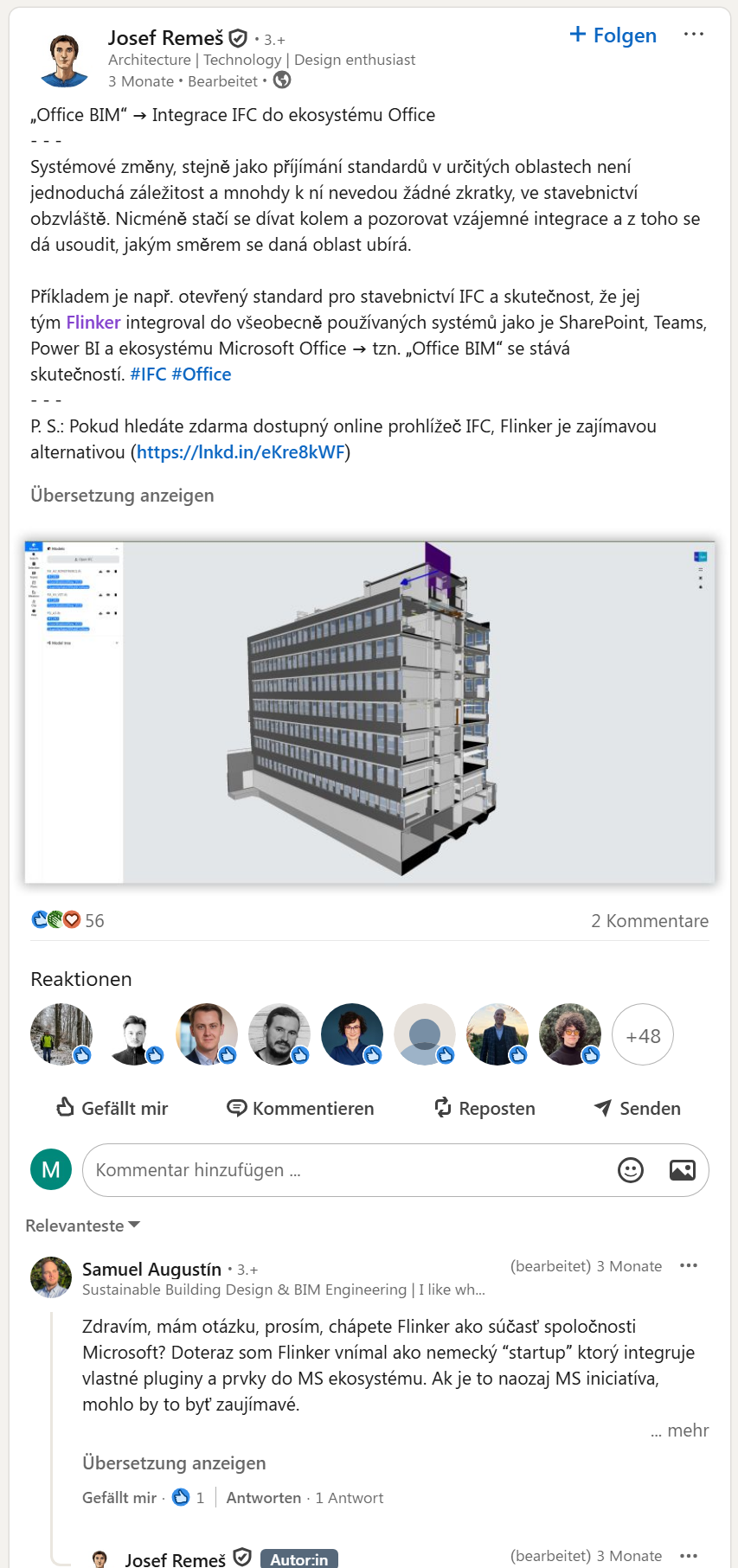
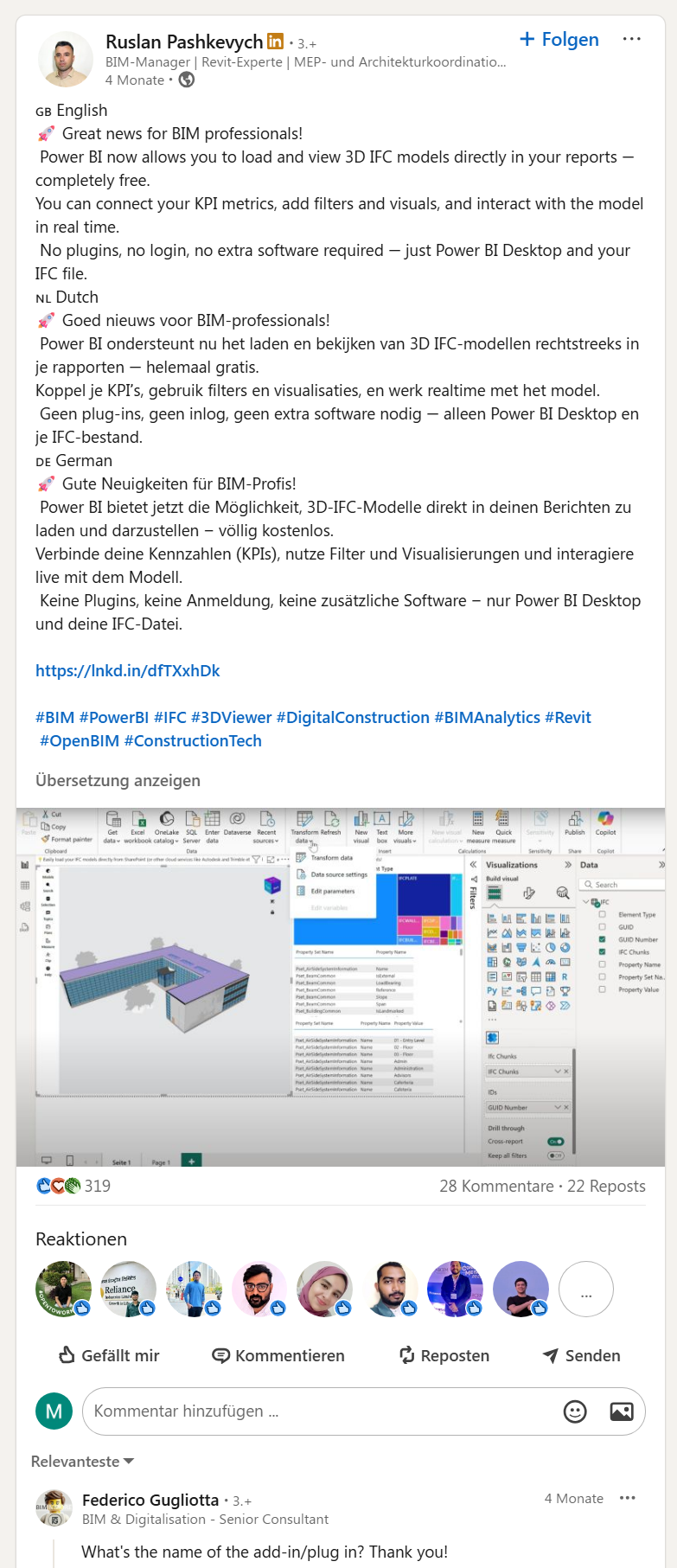
What people are saying on LinkedIn
Real, unsolicited posts from the BIM community. Thank you! 💙


FAQs
Can't find an answer? Check our docs or contact support
Can I try the IFC Viewer before paying?
How do I purchase Flinker Power BI Visual licenses?
1) Single-user licenses (self-service via Microsoft AppSource)
Buy seats in Microsoft AppSource. Billing runs through your Microsoft purchase flow, and your Microsoft 365 admin assigns the licenses to the right users.
2) Tenant-wide licenses (covers everyone, no assignments)
For tenant-wide licensing, contact us at sales@flinker.app (or book a call). Tenant-wide licensing automatically covers all users in your tenant, so no one needs to assign licenses to individuals.
Is pricing per user?
Can I use the data connector without the IFC Viewer?
What is per-tenant pricing?
How are Business and Enterprise billed?
Enterprise is billed per tenant. A single license covers all editors and MS365 viewers in your organization — no per-user assignments needed. For project-specific, embedded, or commercial deployment rights, talk to sales.
Do viewers also need a license?
What payment methods do you support?
Need semantic models without the 3D visual?
Use the Flinker Data Connector on its own to load complete openBIM data into Power BI semantic models, dataflows and pipelines.
Explore more
| Flinker | Vendor-hosted | |
|---|---|---|
| Data residency | Stays in SharePoint/OneDrive | External storage or replication |
| Identity & SSO | Entra ID native, honors tenant policies | Separate user store, extra setup |
| Security | Inherits MFA, DLP, Purview — your controls | New security boundary, separate audits |
| Deployment | AppSource, admin-governed rollout | Vendor release cycles outside M365 |
| Performance | Direct SharePoint access, no sync jobs | Import pipelines, duplicate storage |
| M365 interop | Native Teams, SharePoint, Excel, Lists | Bridges & connectors required |