Load complete openBIM data into Power BI
No viewer required. A Power Query connector that reads every property, quantity, material and classification straight into your semantic models. Parses locally inside your Microsoft 365 tenant. No external servers, no uploads.
IFC · BCF · IDS · ifcZIP — more formats coming
A data connector, not a visual.
The Data Connector is a Power Query extension for openBIM data. It turns IFC, BCF, IDS and ifcZIP files into queryable data sources in Power BI — every attribute becomes a column, ready for models, measures and reports.
It works independently of the Flinker IFC Viewer. Use it on its own to feed semantic models and dataflows, or add it to the Viewer for full property extraction and folder loading. Delivered as a signed Power Query extension for your tenant.
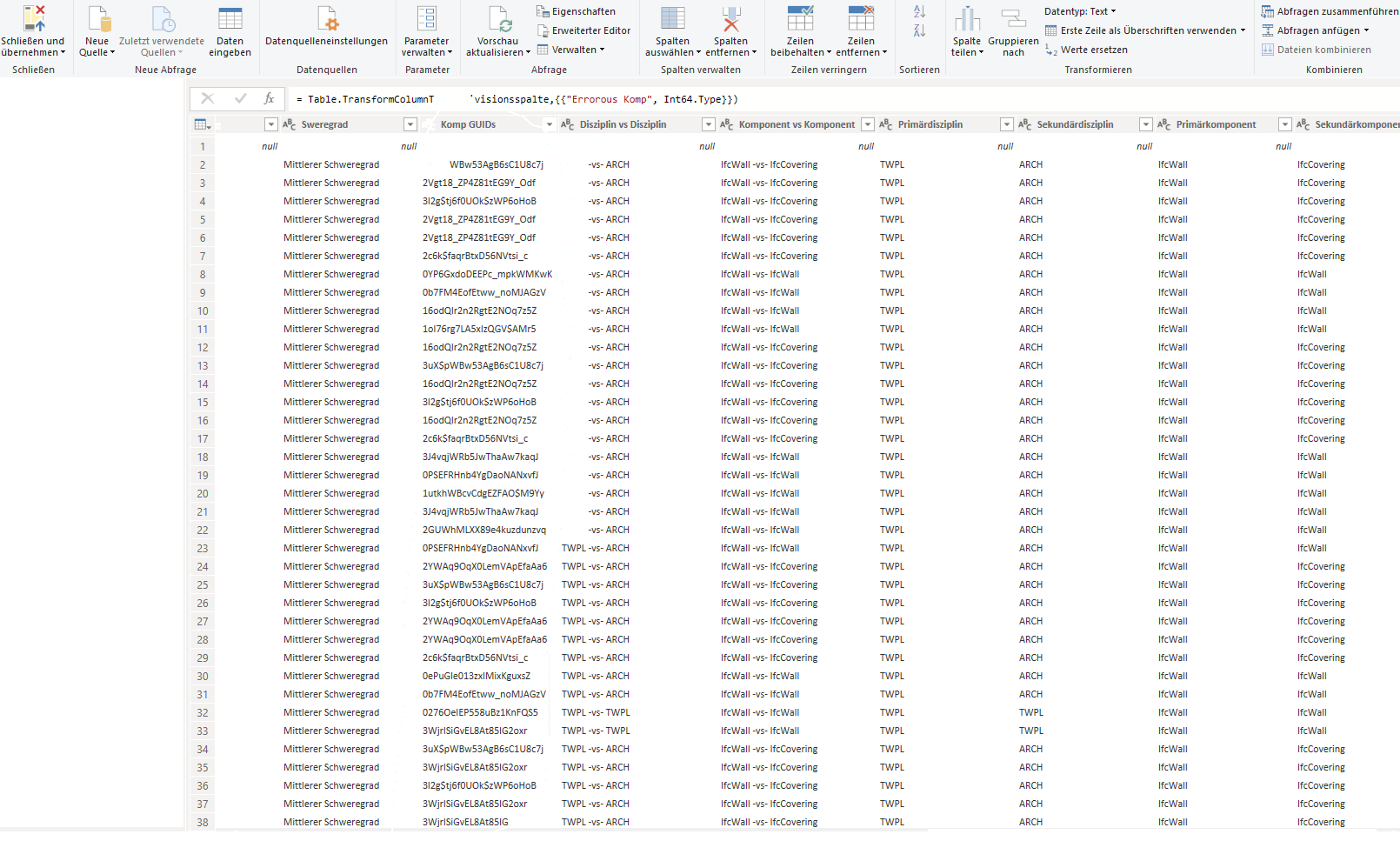
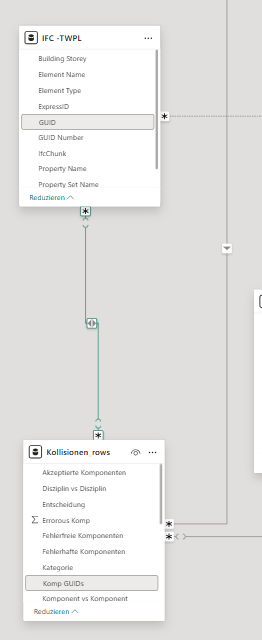
Every property, not just the basics.
Set full extraction and the connector loads the complete openBIM data set — the depth a standard extraction leaves behind.
- Property Set name & value pairs
- Quantity Sets, material layers, classifications
- Attributes appear as columns automatically
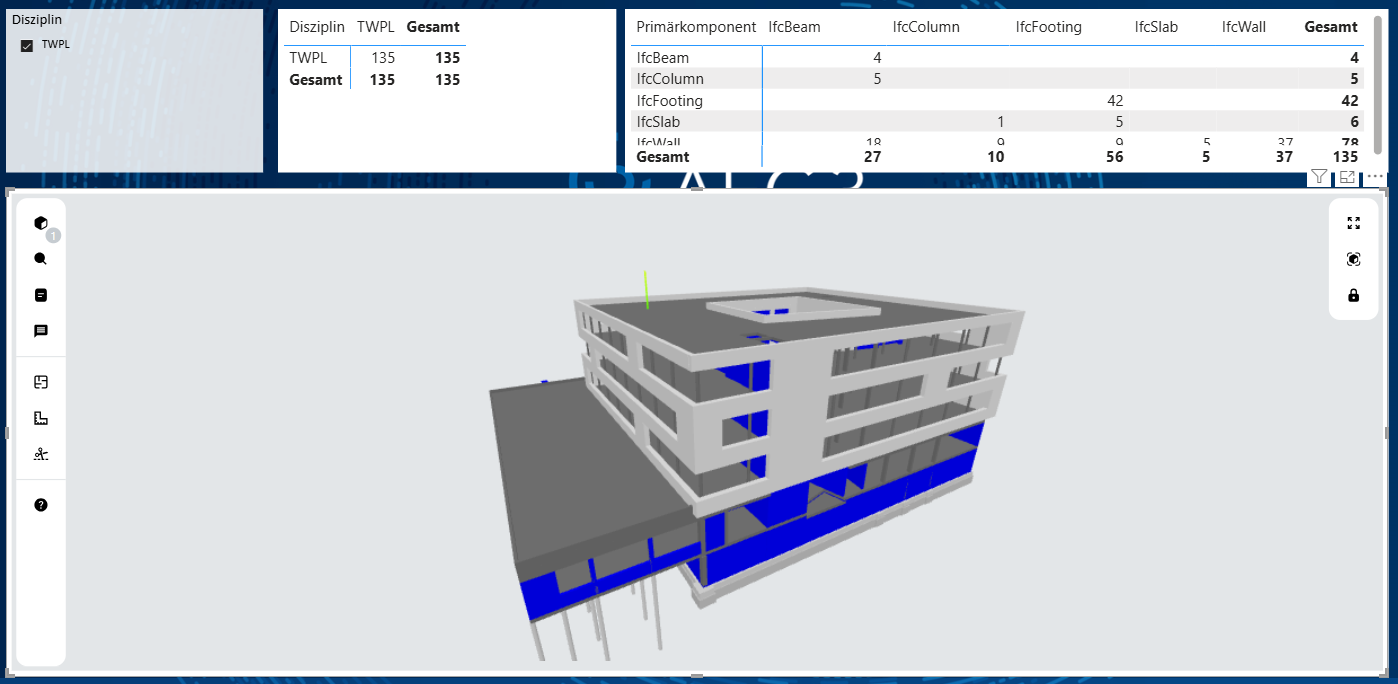
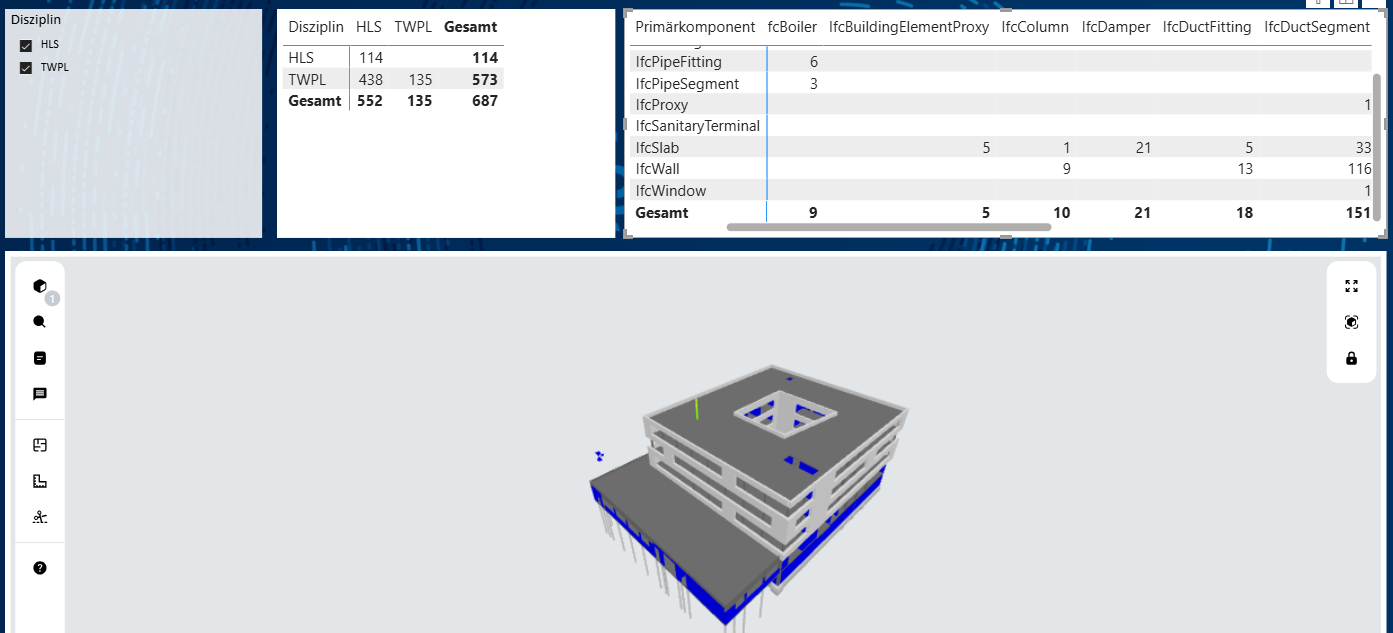
Data & platform teams
Load complete openBIM data into semantic models and dataflows. No viewer, no rendering — just a clean, refreshable data source.
Consulting & BIM firms
Configure IFC data pipelines for your clients. Licensed per deployment scope so it fits single-project or multi-client work.
Enterprises
Standardise how IFC enters your analytics stack across projects, entirely inside your own tenant and governance.
Connector, Viewer, or both?
Two separate products. Take the data connector, the 3D viewer, or run them together.
| Data Connector | IFC Viewer | Both | |
|---|---|---|---|
| Complete IFC data into Power BI | Standard extraction | ||
| 3D model exploration in reports | — | ||
| Folder + subfolder loading from local storage | Add connector | ||
| Performant parsing for ultra-large data | Add connector | ||
| Best for | Data engineers | Analysts & reviewers | Full BIM analytics |
Pricing
The connector is licensed per deployment scope, arranged with sales. Because the same connector can run on one project or across many client tenants, we size the licence to how you deploy it.
Bundled with Enterprise
Included in the IFC Viewer Enterprise tenant licence for full extraction and folder loading.
Add-on to the Viewer
Add advanced parsing to a Community or Business viewer install as a standalone connector licence.
Standalone, no viewer
Data only — for teams feeding semantic models and pipelines without a 3D view.
Prices exclude VAT. Invoice & PO payment supported.
Install the connector
Add the signed Power Query extension to your tenant.
Turn on full extraction
Point at a file or folder and enable full properties.
FAQs
Can't find an answer? Check our docs or contact support