How Leading Construction Companies Use SharePoint as a Common Data Environment (CDE)

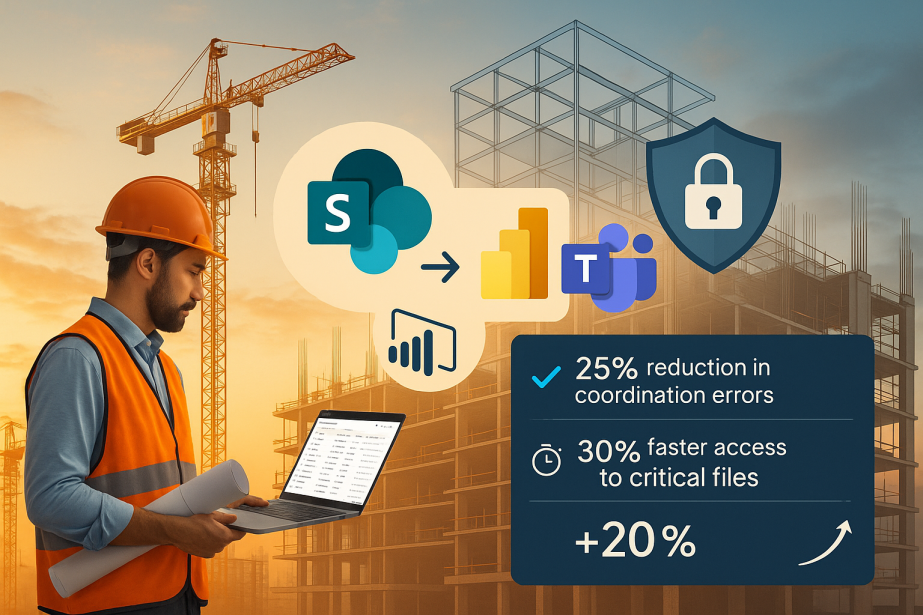
Construction projects generate large volumes of documents, drawings, models, and coordination data. Traditional tools—shared drives, email attachments, siloed platforms—create fragmentation that leads to version conflicts, access issues, and coordination errors.
Many construction firms already have Microsoft 365 licenses. SharePoint, as part of that ecosystem, provides a foundation for a Common Data Environment (CDE): centralized storage, version control, granular permissions, and integration with Teams, Power BI, and other Microsoft tools.
Why SharePoint as a CDE?
SharePoint offers several characteristics relevant to construction project data management:
- Centralized storage with document libraries, metadata, and folder structures
- Version history and check-in/check-out for controlled document updates
- Permissions and access control at site, library, folder, and item levels
- Integration with Teams for collaboration, Power BI for reporting, and Outlook for notifications
- Data sovereignty: files remain within the organization’s Microsoft tenant
Transition considerations
Moving to SharePoint as a CDE involves:
- Data migration: SharePoint Migration Tool and third-party tools can transfer content from legacy systems. Plan for metadata mapping and folder structure decisions.
- User adoption: Most users are familiar with Microsoft interfaces, which reduces training overhead compared to specialized platforms. Microsoft provides documentation and learning paths.
- Customization: SharePoint supports custom metadata columns, content types, views, and workflows. Power Automate can automate notifications and approvals without custom development.
SharePoint vs. specialized CDE platforms
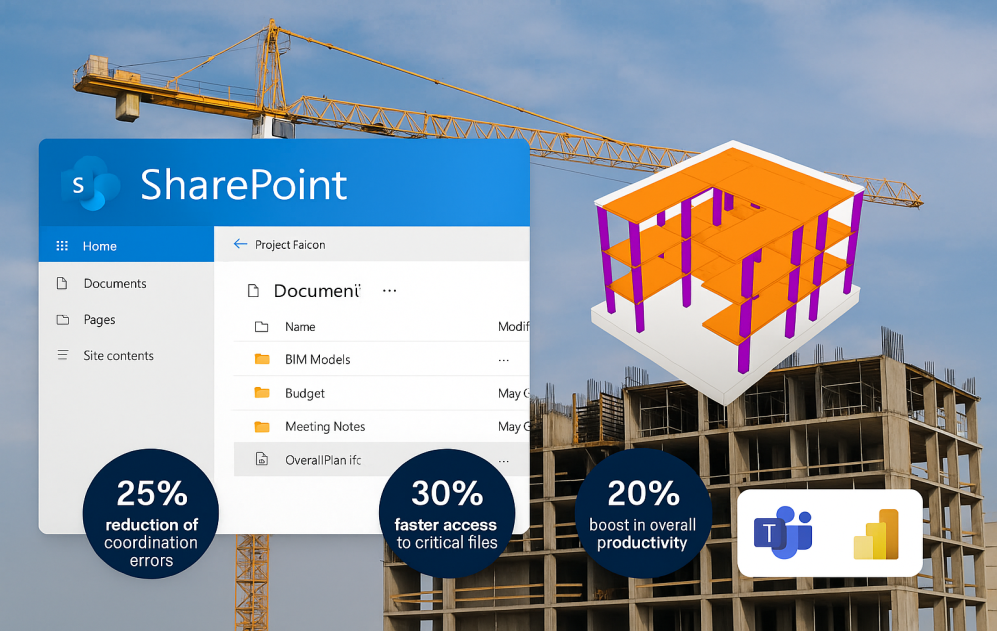 SharePoint document library configured for construction project data management.
Compared to dedicated CDE platforms (Autodesk Construction Cloud, BIMcollab, Aconex), SharePoint has different trade-offs:
| Aspect | SharePoint | Specialized CDE |
|---|---|---|
| Microsoft 365 integration | Native (Teams, Power BI, Outlook) | Requires connectors |
| Data location | Customer’s Microsoft tenant | Vendor’s cloud infrastructure |
| Licensing | Often included in existing M365 licenses | Separate subscription |
| BIM-specific workflows | Requires configuration or add-ons | Built-in (ISO 19650, transmittals) |
| User familiarity | High for Microsoft users | Learning curve for new platform |
SharePoint provides a general-purpose document management foundation. For ISO 19650 compliance, naming enforcement, and formal transmittals, additional governance layers are typically needed—either through custom Power Automate workflows or purpose-built applications like Flinker.
What SharePoint doesn’t provide out of the box
Native SharePoint lacks enforcement for construction-specific requirements:
- ISO 19650 information states (WIP, Shared, Published, Archive) with controlled transitions
- Naming convention validation that blocks non-compliant uploads
- Release gates that prevent publication without required approvals and metadata
- Transmittal generation for formal document distribution
These capabilities require either custom development or specialized solutions built on top of SharePoint.
Conclusion
SharePoint provides a viable foundation for construction CDEs, particularly for organizations already invested in Microsoft 365. The platform handles document storage, versioning, permissions, and collaboration. For ISO 19650 compliance and construction-specific workflows, additional governance layers are needed.
Need help configuring SharePoint as a CDE?
Flinker provides ISO 19650 governance, naming validation, and approval workflows on top of SharePoint and Teams.